 RockCloud-基石云安全-官方博客
There is no universal number for how much traffic BGP high-defense can mitigate; it depends on the architecture and the specifications you purchase. Start with a rough range:
- Single-datacenter or single-node BGP high-defense: Common specifications range from tens of Gbps to hundreds of Gbps, with single-point limits typically around 300–600 Gbps; some optimized cloud provider clusters can reach 600 Gbps to 1 Tbps.
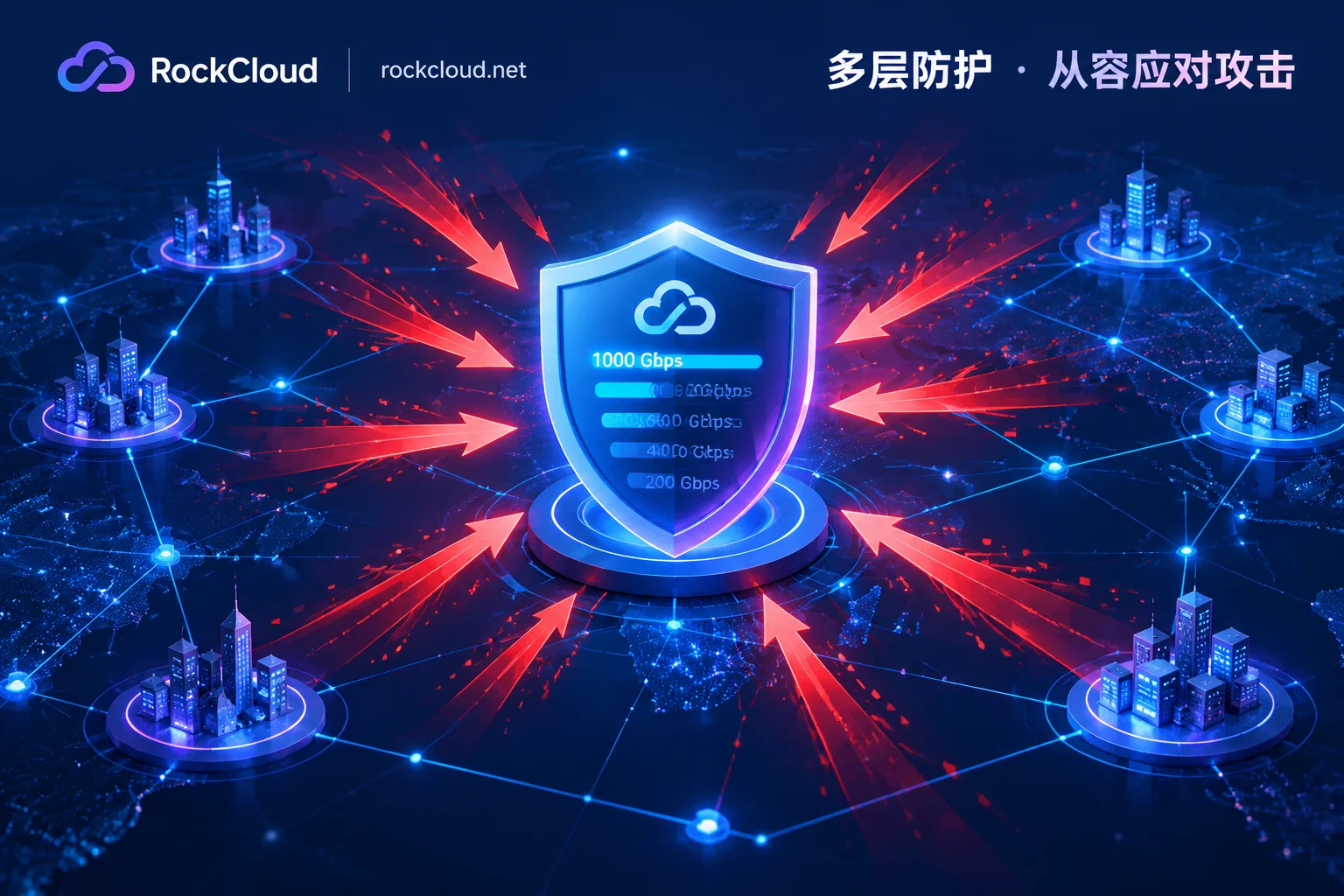
- Anycast distributed BGP high-defense: By sharing the load across multiple nodes, the network's cumulative scrubbing capacity can reach several Tbps, even over 20 Tbps.
However, the total resource pool advertised by vendors is of limited help to you. What truly matters is the maximum your specific IP can withstand under the contract. Exceeding that number usually results in the IP being blackholed and your service being completely interrupted.
What Determines the Mitigation Limit
Node Bandwidth and Scrubbing Devices
The upper limit of traditional single-datacenter BGP high-defense is constrained by the physical bandwidth of the datacenter uplink and the scrubbing device cluster; single-node specifications commonly range from 20 Gbps to 400 Gbps. Once attack traffic exceeds single-point capacity, that node is easily overwhelmed.
Architecture: Single-Point or Anycast
Anycast architecture allows the same IP to be announced simultaneously from multiple nodes, directing attack traffic to multiple scrubbing centers nationwide or globally for nearby distributed processing, so total capacity can reach Tbps levels. When comparing solutions, distinguish whether the number provided is the network's total reserve or the protection specification allocated to your service. The two can differ by an order of magnitude.
Contract Specifications: Committed and Elastic
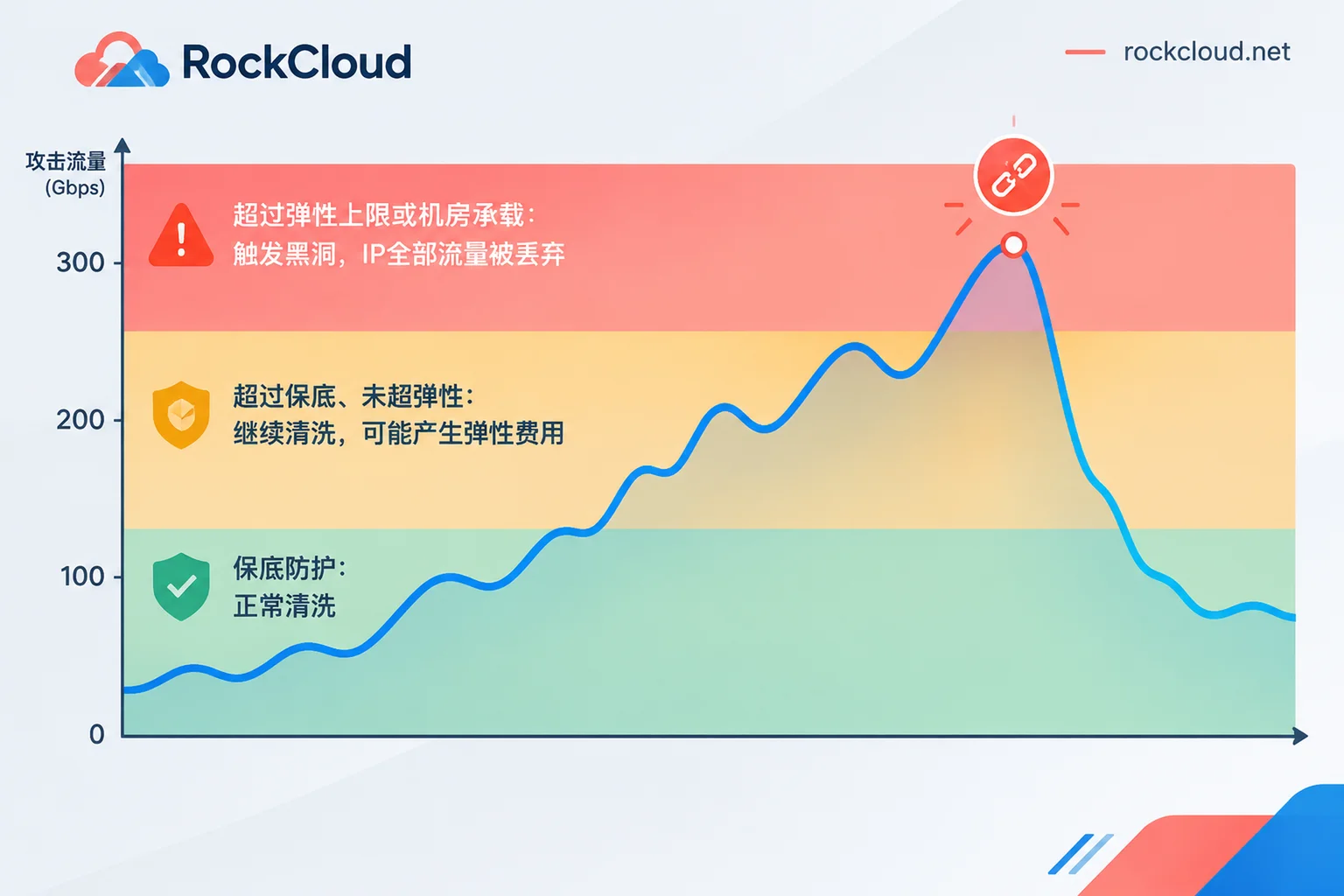
Some cloud providers divide protection capacity into two tiers:
- Committed protection bandwidth: The base specification purchased prepaid.
- Elastic protection bandwidth: The maximum limit for handling sudden attacks.
Take this billing model as an example: when attack traffic exceeds the committed level but does not exceed the elastic limit, scrubbing continues, and an additional elastic fee is charged based on the difference between the daily peak and the committed level. The actual mitigation capacity is strictly limited by the elastic specification you configure; it does not automatically scale infinitely. Other vendors may use different billing models, such as fixed peak, so confirm with each.
Gbps Alone Is Not Enough; Look at pps
For attacks like UDP reflection amplification, in addition to bandwidth peak (Gbps), you also need to consider the scrubbing engine's packet forwarding rate (pps) and its protocol compliance detection and fingerprint filtering capabilities. No matter how large the bandwidth, if the device cannot handle the load, packet loss and congestion will still occur. Therefore, comparing only bandwidth numbers gives an incomplete picture.
What Happens When the Limit Is Exceeded
Once the attack peak exceeds the specification you purchased, or exceeds the datacenter's scrubbing capacity, the platform and upstream carriers typically implement blackhole routing: directing all traffic to the target IP into Null0 and discarding it. At that point, legitimate user access is also discarded, and the service is completely interrupted.
Blackhole durations commonly range from 30 minutes to several hours, with rules varying by provider. This is done to prevent a single IP from overwhelming the backbone network and affecting other users on the same network. For this reason, claims like "unlimited protection" or "never blocked" are technically untenable: any high-defense solution has physical limits on bandwidth cost and hardware throughput.
If you have already been blackholed, refer to the handling sequence in What to Do When Hit by DDoS: First Confirm Blackhole, Then Change IP and Add Protection.
How Much to Buy: Estimate in This Order
- Find historical attack peaks. Sources can include attack alerts from your datacenter or cloud provider, traffic monitoring graphs, or past blackhole notifications. Record both Gbps and pps numbers.
- Make the limit cover historical peaks with margin. If using a committed-plus-elastic billing model, set the committed level based on typical attack levels, and set the elastic limit with headroom above the historical maximum peak.
- For new services that have not been attacked, ask the vendor about common attack magnitudes for similar services, and prioritize solutions with easily adjustable specifications rather than locking into a single tier from the start.
- Calculate the total annual cost. For services frequently attacked, elastic fees will accumulate. Compare the total cost of committed plus elastic against fixed-peak, unlimited-traffic solutions. For the breakdown of committed, elastic, and acceleration fees, see Which Is Cheaper: High-Defense IP or High-Defense CDN.
Questions to Ask During Procurement
- Is the quoted mitigation value the specification for a single IP or service, or the network's total reserve?
- Is there a distinction between committed and elastic, and how is the excess billed?
- How long is the blackhole after exceeding the limit? Can it be lifted early? Can the IP be changed?
- What is the pps capability of the scrubbing devices, and how do they handle UDP reflection and small-packet attacks?
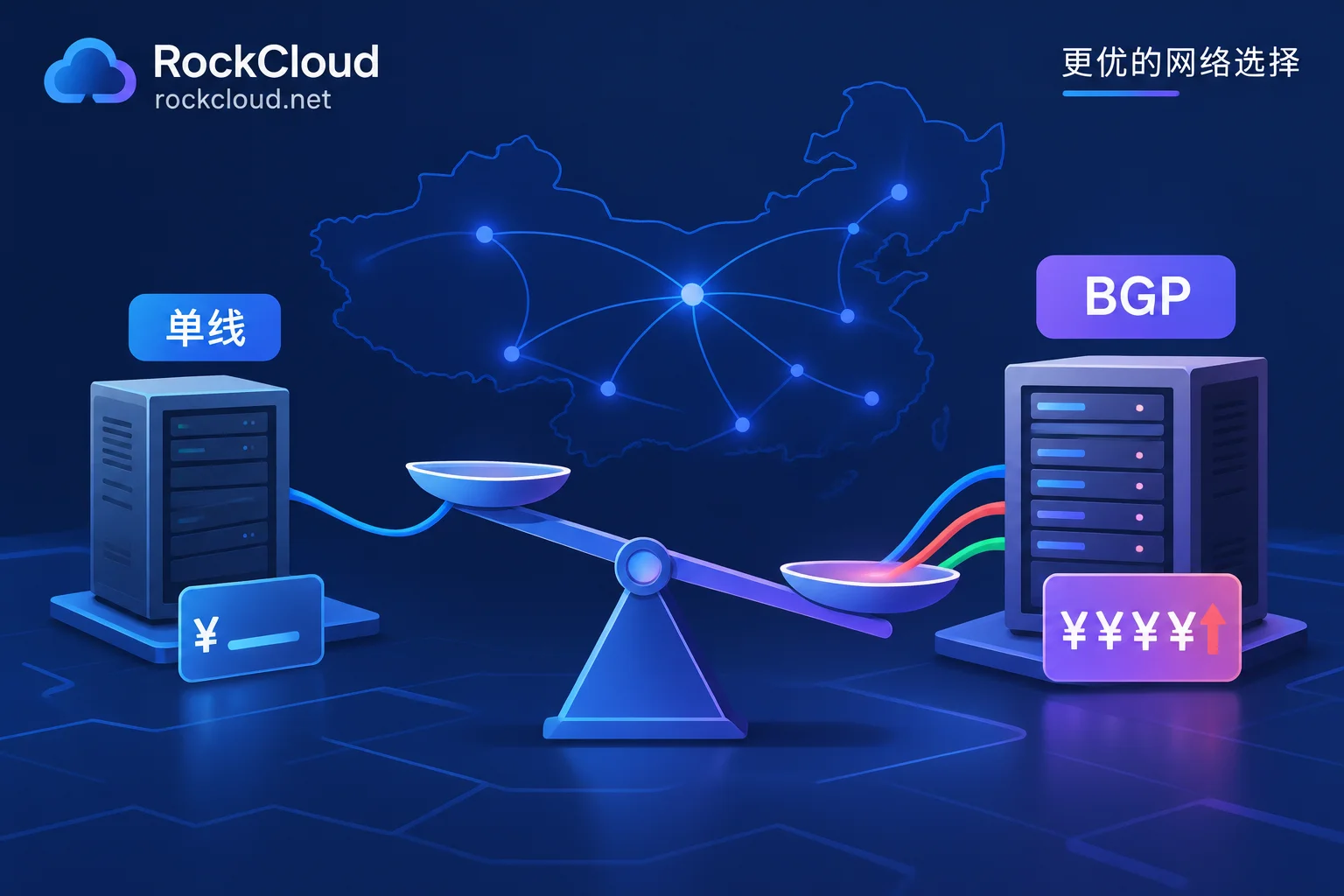
- Is it BGP multi-line or single-line? During an attack, can users on different carriers access normally? For this point, refer to Which Has Stronger Mitigation: BGP High-Defense or Single-Line High-Defense.
Additionally, no matter how large the mitigation numbers, once the origin IP is exposed, attackers can bypass the high-defense and attack the origin directly. After onboarding, remember to check item by item according to Origin IP Leakage Paths and Closure Order.
Selection Conclusion
First, use historical peaks to determine specifications; then confirm that this specification is the number written into the contract and allocated to your service; finally, clarify the blackhole rules and fees after exceeding the limit. Only when these three things are clear does "how much it can mitigate" have practical meaning.
If your website, API, or game service needs both acceleration and protection, RockCloud's solution puts acceleration and defense on the same link, with one fee, fixed-peak billing, unlimited traffic, and contract-based pricing. Specific protection specifications are subject to the official website and contract. You can first learn about onboarding methods on the DDoS Protection page, then apply for a test on the Plans and Free Trial page to verify access performance with your own service traffic.


Comments(0)